Welcome to RIBows
This guide walks you through how to create your profile, explore RIOs, bookmark RIOs, and get the most out of the site.
1. Create your profile
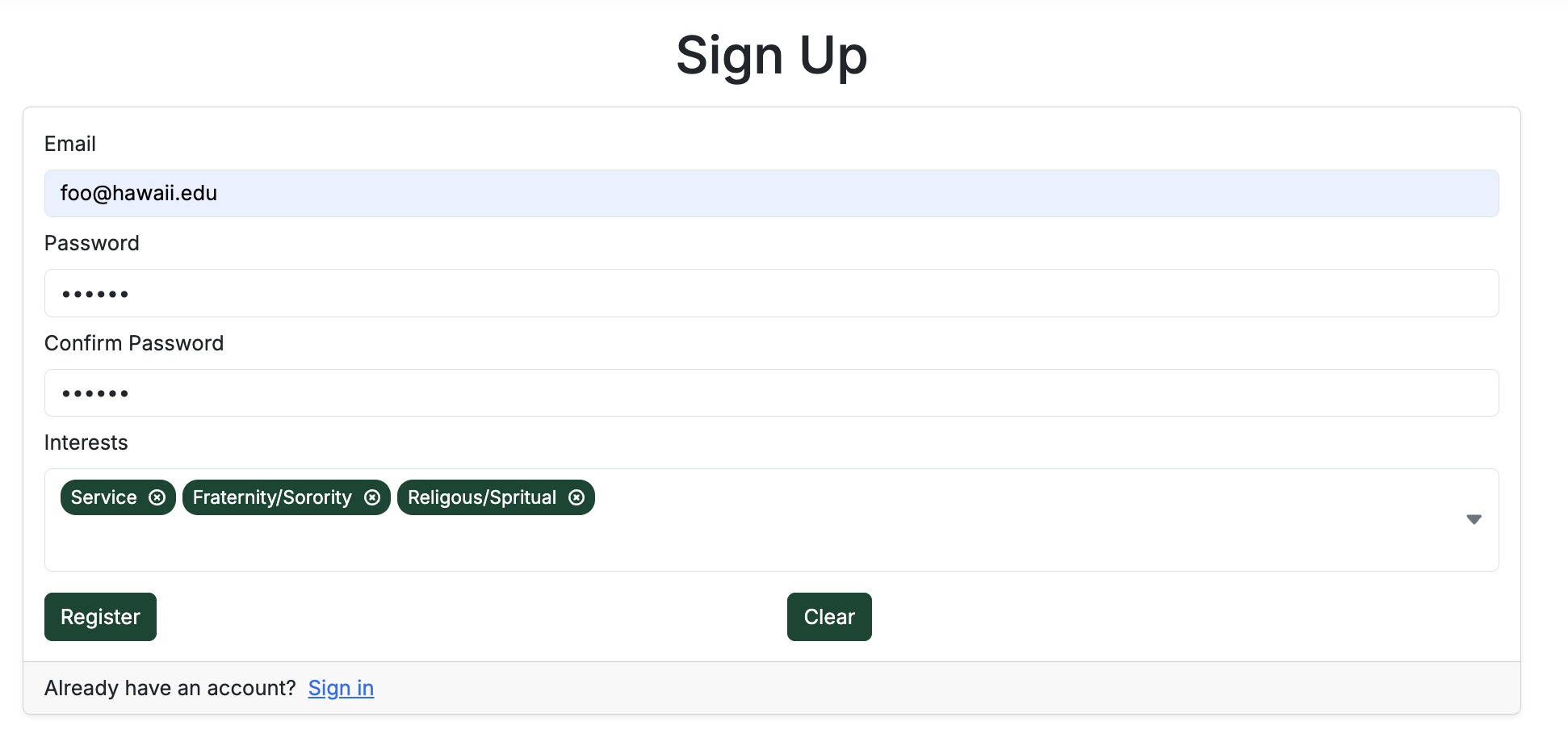
Start by signing in and setting up your profile. Add your interests so RIBows can help you find RIOs that match what you're looking for at UH Mānoa.
You can sign in from the top-right corner of the site, or go directly to the signup page:
2. Explore RIOs
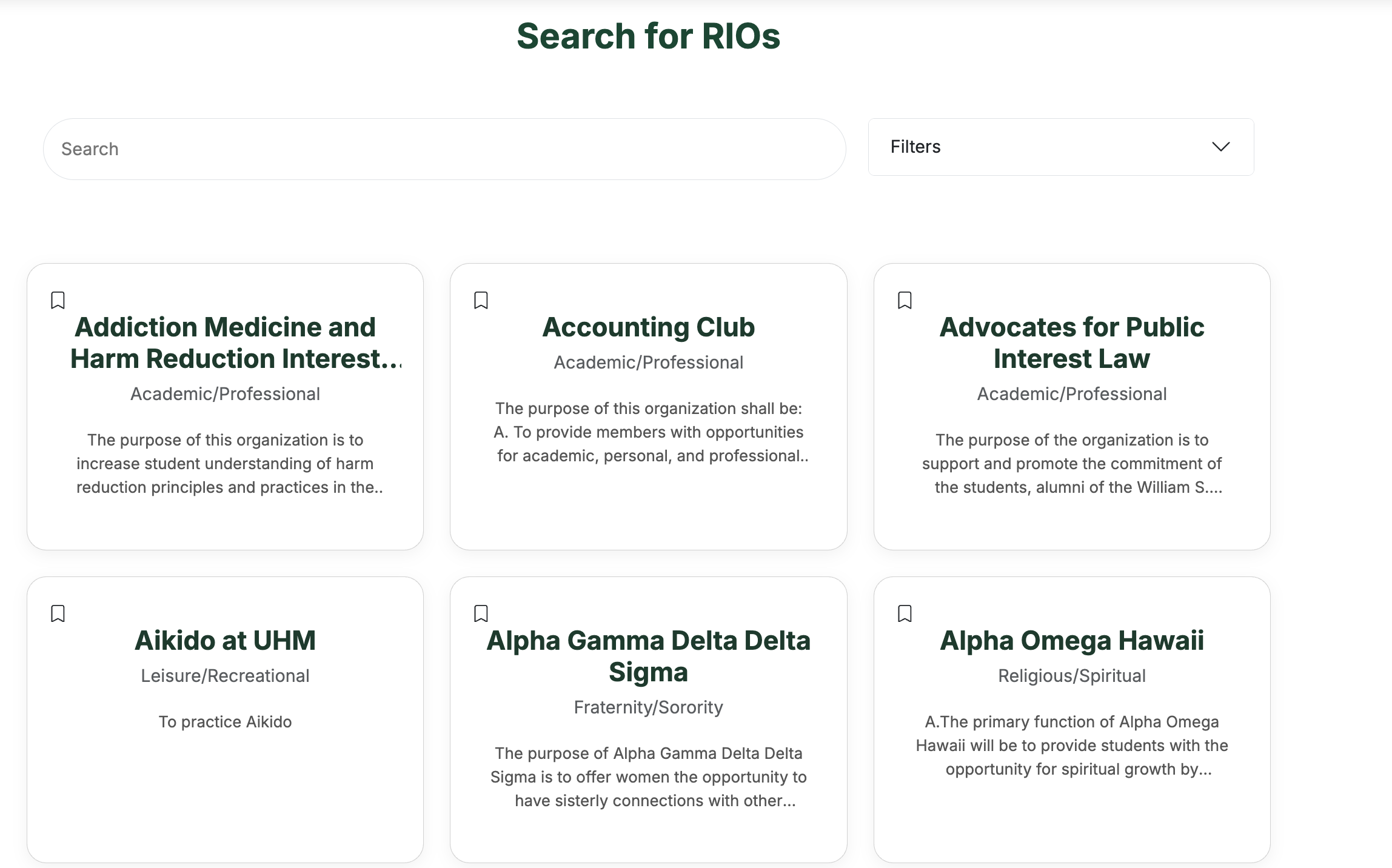
Once you're signed in, use the Search page or the landing page search bar to browse RIOs by name, category, or keywords. You can also look through the Trending RIOs section on the home page to see what's popular.
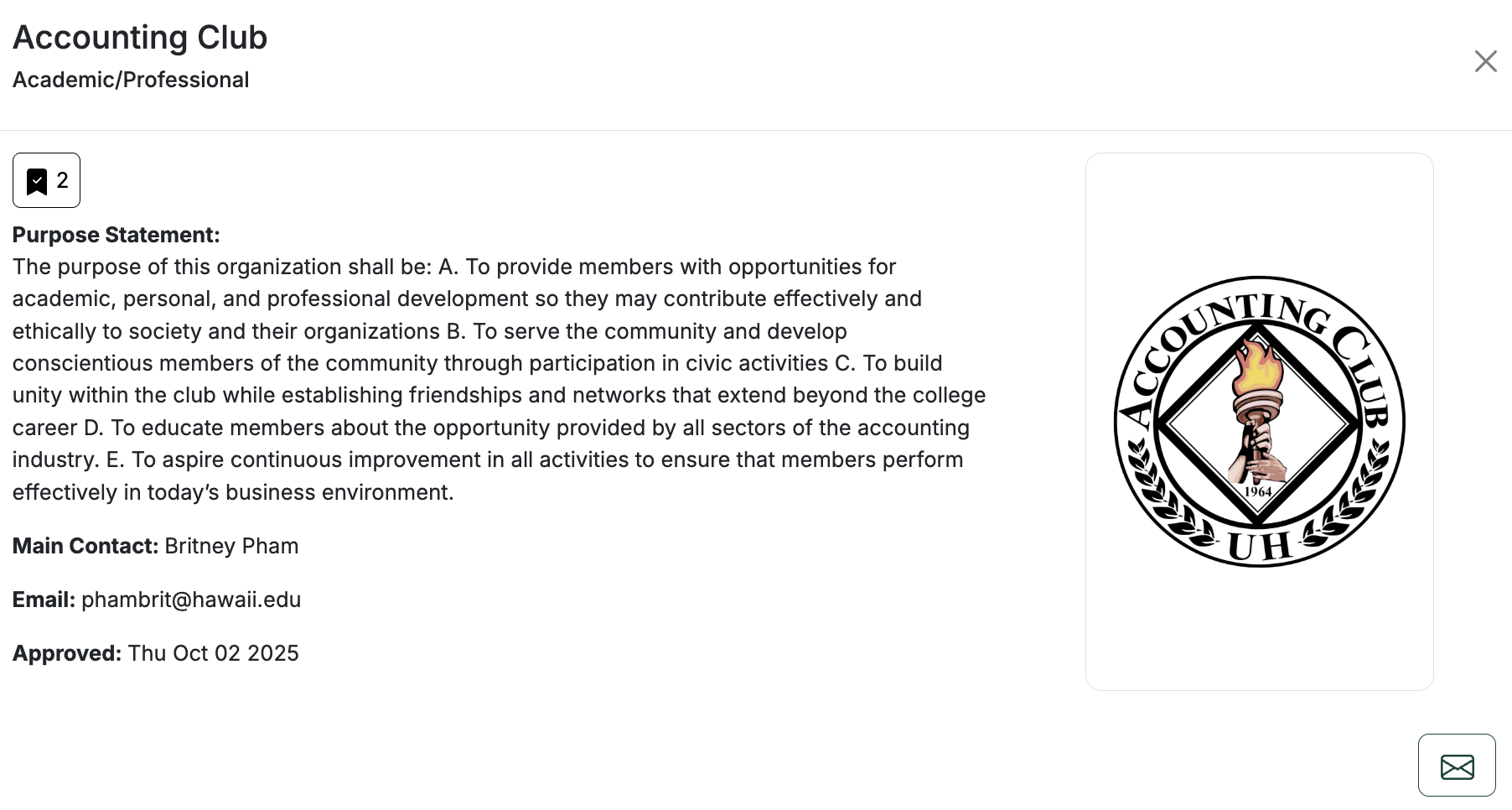
Click on a RIO card to see more details like purpose, main contact, and email information.
3. Bookmark RIOs
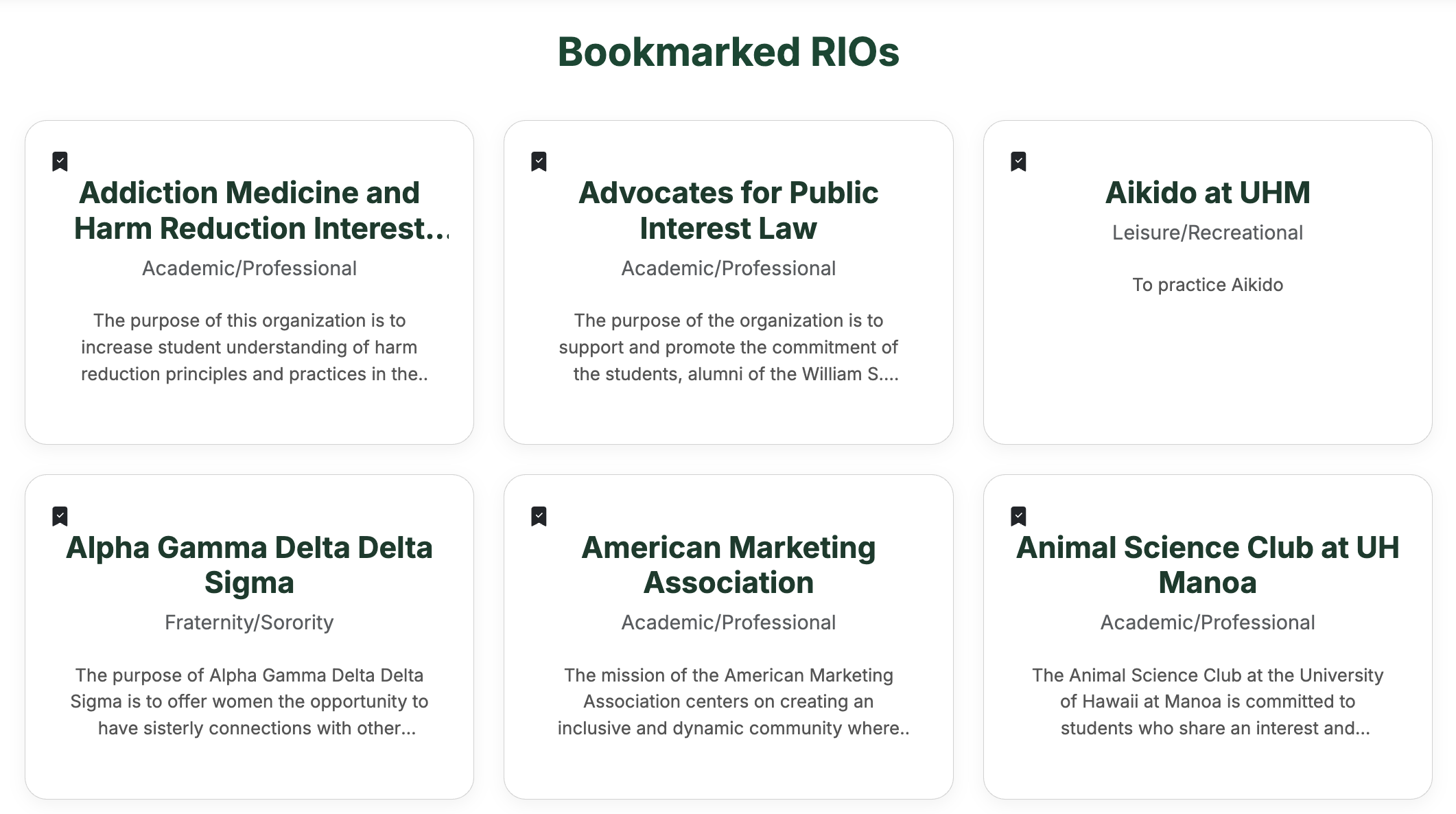
When you find a RIO you like, click the bookmark icon on the card (or in the search results). Bookmarked RIOs are saved to your account so you can come back to them later.
You can view your saved RIOs from the Bookmarks link in the navigation bar.
4. Reach out and get involved
Ready to join or learn more? Use the Contact button on a RIO card to email the main contact directly from RIBows.
Explore, bookmark, and connect with RIOs that match your interests—RIBows is here to make finding your community at UH Mānoa easier.